
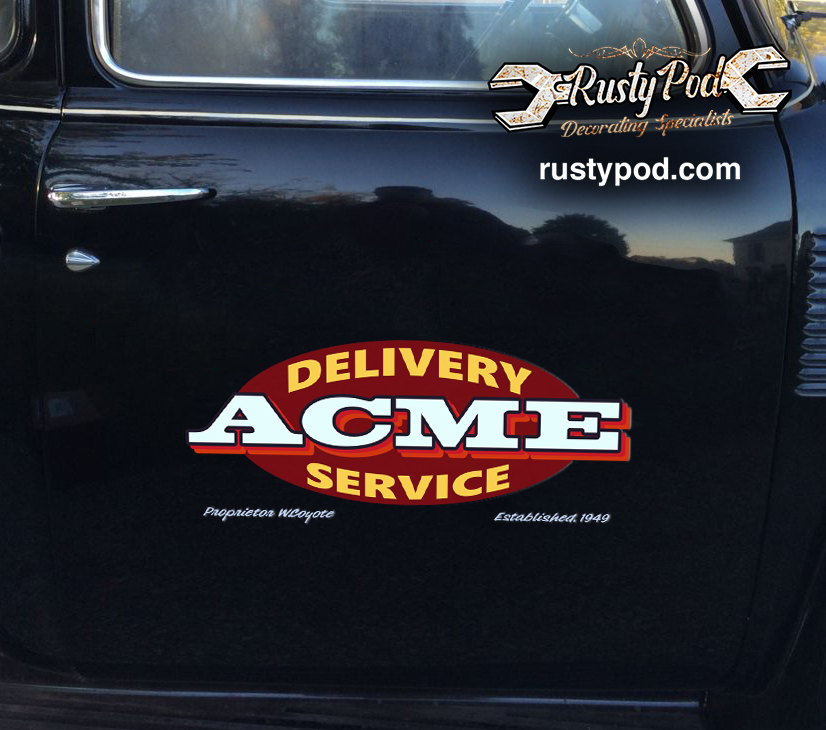
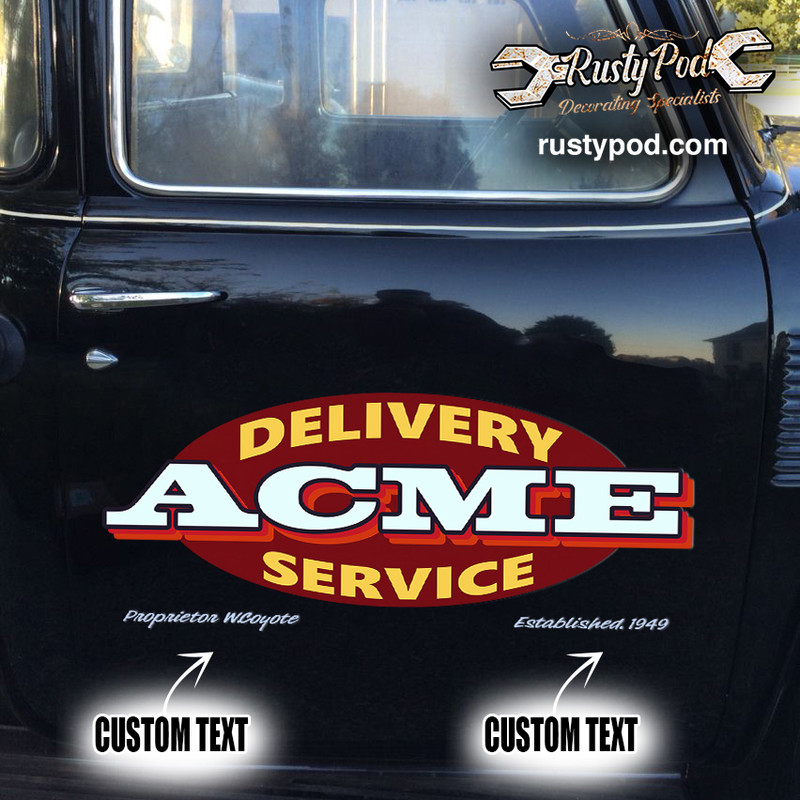
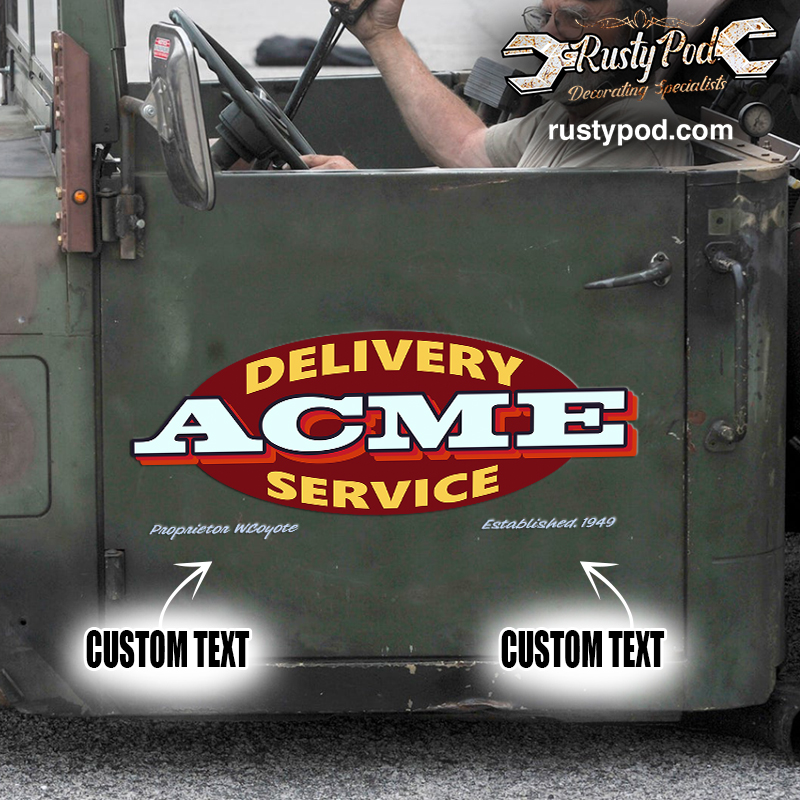
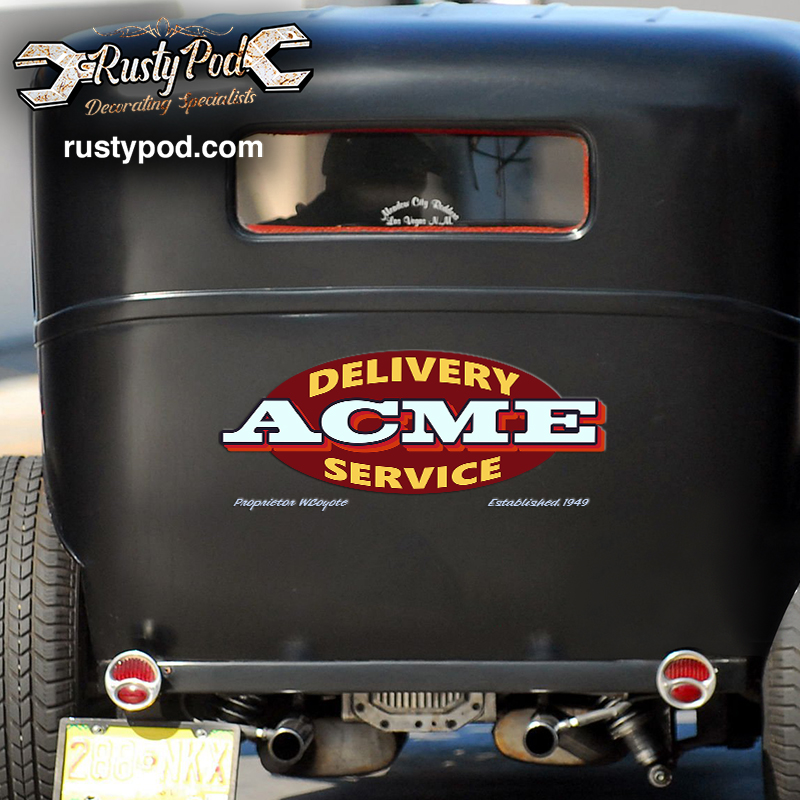



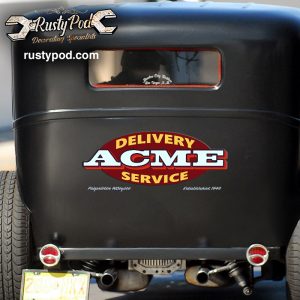
personalized acme delivery service vinyl sticker 10463
IN STOCK!
🔥 Free design revisions before printing.
🔥 Free, no hassle returns & exchanges.
Shop Now To Avoid Holiday Delays!
Excellent

Trustpilot
From: USD 40.82
- Small: 15cm (6 inch) – suitable for laptops, water bottles, bicycle, car window, …
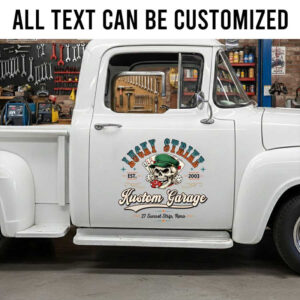
- Large: 55cm (21 inch). – suitable for auto (car door), window,…
- This size represents the product’s longest length.
- We can create custom sizes according to your wish. Please email us: [email protected]
- For a custom design, please contact us via email [email protected]
Other designs...








Tutorial video:
- Production time: Please allow 2-3 days to receive a tracking number while your order is hand-crafted, packaged and shipped from our facility.
- Shipping time: Shipping time depends on product and recipient's address. This time may be longer on major holidays. This time is from the date that it is shipped out, not the day the order is placed. Normally, shipping time is 14 - 21 days. Besides, we provide express shipping service with delivery time from 7-10 days.
- Return & Exchange: If for some reason you are not happy with your purchase, we will happily work with you to correct the problems.
- Tracking Number: When available, we will send you the tracking number with the confirmation email so that you can track the package online.
- If you have any other queries, please feel free to email us: [email protected]
Guide to Personalizing Your Product on Rustypod
Step 1: Enter Personalization Details
Begin by filling in the personalization details in the provided blank fields on the product page. This may include names, dates, or specific messages you wish to add to your product.Step 2: Preview Your Personalization
Once you have entered all necessary details, click the 'Preview' button. This allows you to check if the information you've input is correct and complete.Step 3: Requesting Custom Changes
If you wish to alter details such as color, font, or other specifics, please note your requirements either on the payment page or via an email to us. Our email address for such requests is [email protected]. For custom requests, we always provide a preview copy for your approval before proceeding to production.Special Note on Instant Previews:
Please be aware that some personalized products may not offer an immediate design preview due to their complexity. For these products, you will need to wait up to 12 hours for us to modify and send a preview for your approval.Need Additional Help?
If you require further assistance or have questions regarding the personalization process, please do not hesitate to reach out to us at [email protected].2 reviews for personalized acme delivery service vinyl sticker 10463
Add a review























Johnnie miller (verified owner) –
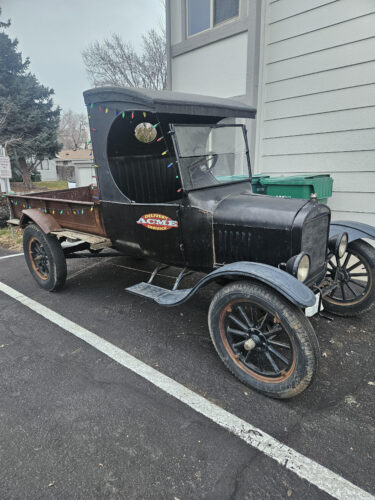
Couldn’t be any more pleased with my product and RUSTY PODS PROFESSIONAL ASSISTANCE, THESE FOLKS definitely know their merchandise, you get exactly what you order, I ordered the withered look and it looks like it’s been on the vehicle for years, if your looking for door art for your RAT Rod or HOT ROD you have to get it from RUSTY PODS, Iam not advertising just giving the facts, I love my door art., durable, easy application, and looks Great.
Robert middleton (verified owner) –
Merry Christmas